
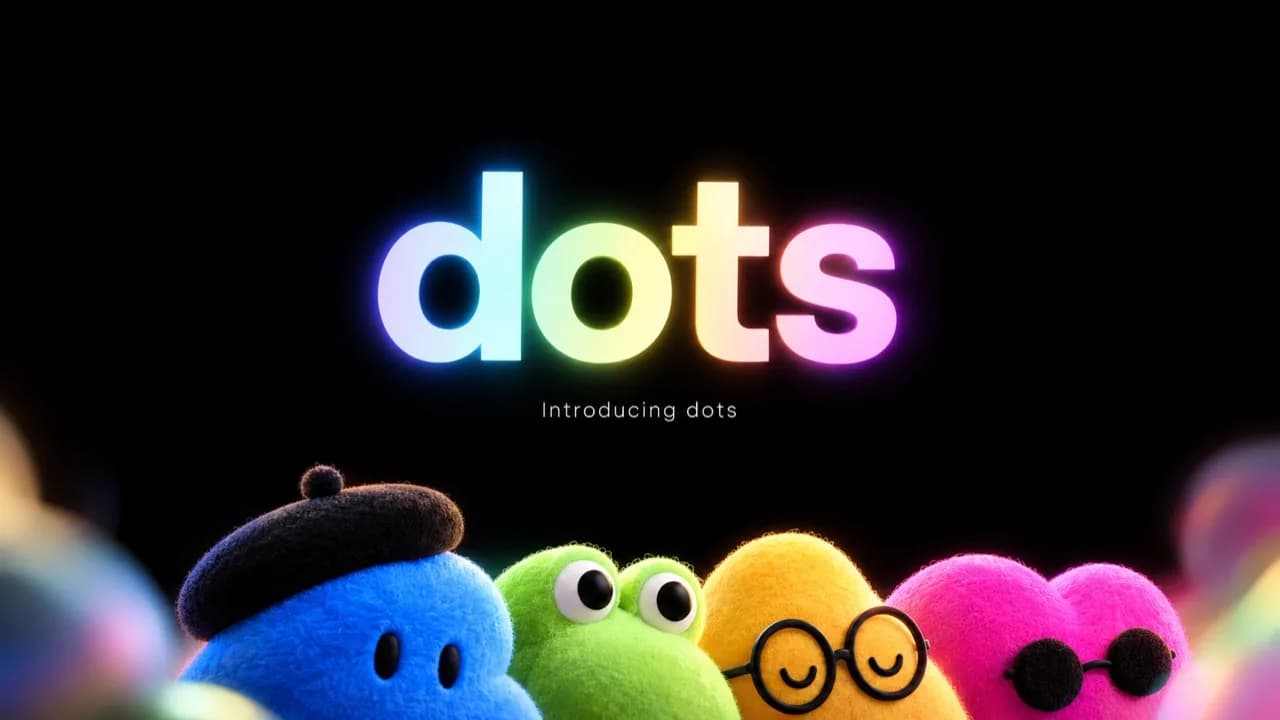
The interesting question about dots is what happens after you close the chat. OpenAI's new agent can keep a task in view, work on its own cloud computer, draw on apps you connect, and bring a decision back to you. That sounds closer to a colleague following a project than to another chatbot skin. It also raises a harder question: how much of your work should it be allowed to see and change?
OpenAI introduced dots on September 29, 2026. This is a launch-stage review based on published evidence, not a week of hands-on testing by Mengbi. We checked the product page, dots documentation, and availability FAQ, then compared them with Axios's reporting from the live launch and WIRED's first report. A polished demo can show the intended workflow. It cannot tell you how reliably a dot will handle your inbox, calendar, and project files over a working week. Sources were checked on September 30, 2026.
The verdict: who should try dots now?
| If your work looks like this | Why dots might help | What to check first |
|---|---|---|
| You follow the same project across email, documents, and calendars every week | A dot can retain the goal and look for the next step without a fresh briefing each time | App access, approval rules, and whether its findings cite the right records |
| You delegate research, reporting, or software work in several stages | Cloud tasks and mid-task direction changes could cut down on repeated setup | Output quality, latency, recovery from failure, and deeper-work allowance |
| You mostly use ChatGPT for occasional questions, translation, or one-off writing | Little reason to change your current workflow | Whether ordinary chat already does the job |
| Your team handles customer records, finance, or production systems | A narrow read-only pilot may be useful | Workspace controls and a human checkpoint before any consequential action |
Our assessment: try dots if you already have an eligible plan and a recurring task with a clear finish line. Don't upgrade solely because the idea of an always-on assistant sounds appealing. Count accepted work completed over a week, then subtract the time spent granting access, reviewing decisions, and correcting mistakes. OpenAI says the first dot is included in eligible plans, but that does not mean unlimited autonomous work.
What is a dot, and how is it different from a ChatGPT conversation?
A normal chat begins when you ask a question. You get an answer and decide whether to continue. In OpenAI's description, a dot can take responsibility for an ongoing goal: keep track of your preferences and prior conversations, continue assigned work between messages, and ask for input when it reaches a decision you should make. It runs on GPT-6 Astra and has its own computer and browser in the cloud. Cloud work can continue while your device is off.
"Always on" needs a little unpacking. A dot may run a task you assigned, carry out scheduled checks, or do read-only research across information you have connected and suggest a next step. That does not grant blanket permission to send mail, edit a document, or purchase something. Those actions depend on the connected app's permissions and OpenAI's approval controls. The useful mental model is an assistant that can reopen a project folder and propose what to do next, with action boundaries you set; it is not a universal autopilot for every account you own.
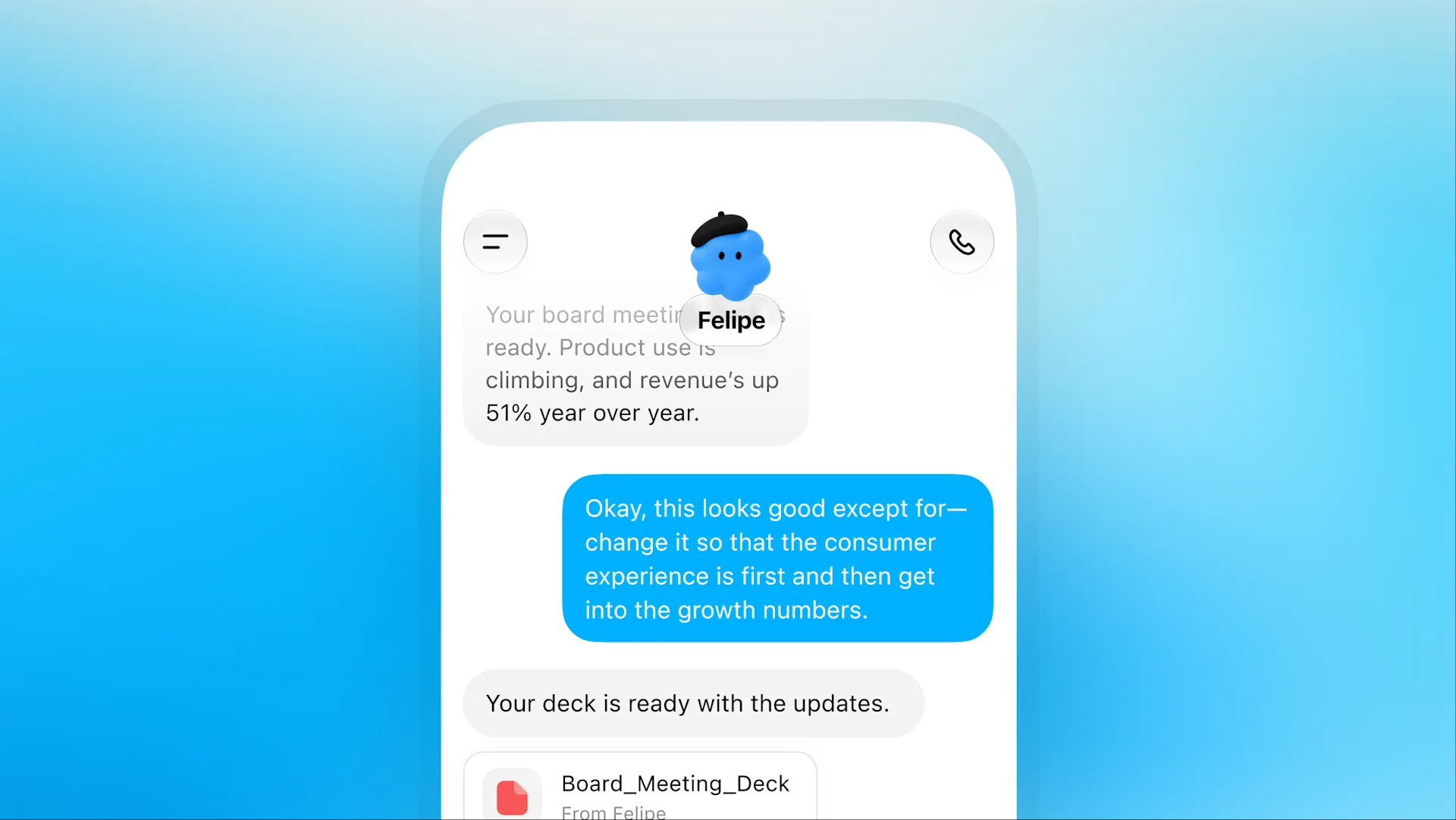 A workflow shown on the official dots page. It illustrates assignment, feedback, and revision; it is not a Mengbi test result. OpenAI published the original image, which we converted to WebP.
Its work environments are separate, too. The dot's cloud browser does not inherit logins from your personal browser; a site may require you to use a private sign-in flow. Connecting your own computer is a separate, optional step, and local work requires that computer to stay online with the ChatGPT desktop app open. Messaging a dot in Slack or Teams does not automatically connect the inbox, files, or local folders mentioned in that channel. These distinctions in the computer and app documentation matter more than the character's appearance when you set one up.
Three jobs where persistence could earn its keep
Follow a project across apps
Imagine preparing a product launch: the feature list lives in a document, customer commitments in email, and milestones in a calendar. You could ask a dot to compare them, flag contradictions, and prepare a proposed update. The gain is not a prettier launch email. It is that, when the scope changes next week, the dot knows which promises and dates need another look. OpenAI's product example uses a launch message that no longer matches the product's changed scope.
This is also where mistakes become costly. An old document may disagree with a newer decision; a customer's email may describe a request rather than an approved commitment. A useful result should say which source supports each proposed change and what remains uncertain. "I updated everything" without a traceable change list moves the checking work downstream instead of removing it.
Stay with a long task while you change direction
The tasks and memory guide walks through a mobile checkout fix: the dot delegates investigation and repair, takes a later instruction to prioritize mobile, and returns a pull request and test material for review. The important idea is that you can steer work already under way without writing the entire brief again.
For developers, code generation is the least revealing test. Can the system track the repository's state, a failing test, review comments, and the next revision without losing the thread? A launch demo cannot answer that. Dots also should not be treated as a simple replacement for Codex: in OpenAI's described workflow, Codex does concrete software work, while a dot keeps the broader goal in view and follows up on the result. Whether that arrangement saves time on a real team remains to be measured.
Check for change without becoming another reminder app
OpenAI says dots can run scheduled checks and suggest matters worth your attention based on connected information. For a weekly sales forecast, a valuable check would identify the new numbers, their likely source, and unresolved questions. A daily "remember to read the report" message would add noise. The getting-started FAQ says proactive research can happen without a new message, so decide whether the information you connect is suitable for ongoing access.
The live launch was promising, but it was still a demo
Third-party reporting adds a detail the product video cannot. Axios reporter Ina Fried described exciting moments in the live demonstration and a delay when Holly Li spoke to her dot. One pause onstage is not a benchmark for typical speed. Equally, a successful staged sequence is not evidence of reliability across thousands of accounts. WIRED's launch report describes an agent that connects to apps and handles multi-step work, but it is not a multi-day test of the same real task either.
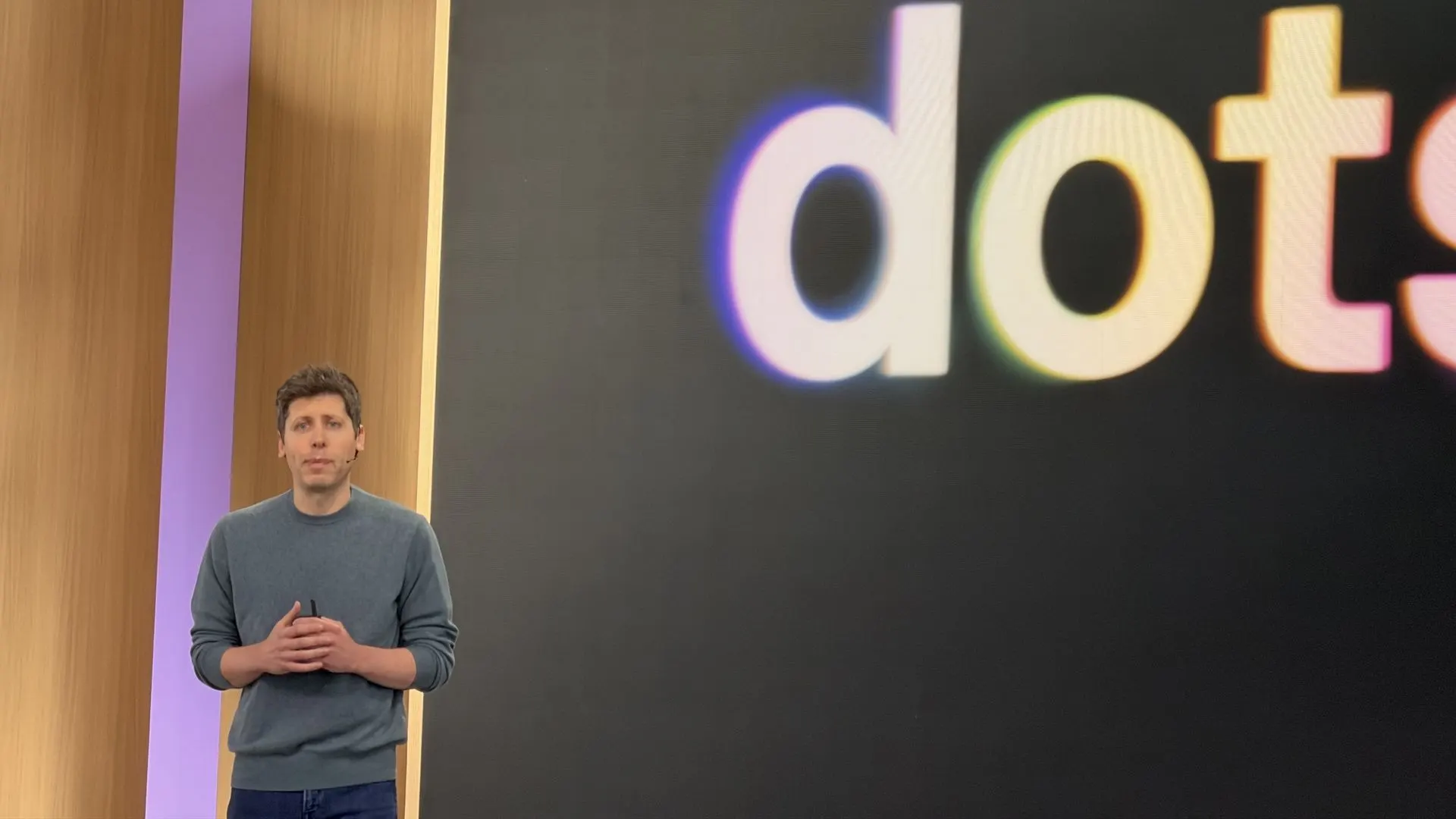 Launch photograph by Ina Fried / Axios, included alongside its on-site observations. Image rights remain with the photographer and publisher; the copy here was compressed to WebP.
The product shape is clear. Its dependability is not yet established by public independent evidence. Long-running tasks, conflicting records across apps, expired logins, repeated approval requests, and recovery after interruption are the cases to watch.
Permissions, privacy, and the meaning of “pause”
The closer a dot gets to acting for you, the more its approval rules matter. OpenAI's controls guide says actions involving accounts or information sharing undergo checks that may permit the action, ask you to approve it, or hand it back to you. Custom Rules let you specify what it may do directly and what it must ask about; changing a password remains a step for you. An approval system is a boundary, not a guarantee that every judgment inside it is correct.
Start with work that is read-only, cheap to get wrong, and easy to verify: for example, a weekly project status note with source links and open questions. After several accurate runs, consider draft preparation or file edits. External messages, customer-data changes, purchases, and production operations deserve separate human checkpoints. Also note the help center's warning: disconnecting an app does not automatically erase information the dot already obtained from it. Deleting the dot is the action associated with clearing its stored memory.
"Pause" is narrower than it sounds. The controls documentation distinguishes pausing the dot's main task, stopping delegated work, and canceling scheduled runs. If you need a project to stop, inspect its active tasks and schedules too. Actions already completed are not undone by pressing Pause.
Availability and cost at launch
As of September 30, 2026, the OpenAI availability FAQ says:
- Pro: Gradually rolling out in eligible markets outside the European Economic Area, Switzerland, and the UK.
- Business Premium: Available across supported ChatGPT regions.
- Enterprise, Edu, and Healthcare: A beta that a workspace administrator must enable; it starts off by default.
- Creating a dot: Use the ChatGPT desktop app or a desktop browser. The mobile app can talk to an existing dot when the feature reaches the account; mobile web does not currently support dots, and creation is not available on mobile.
The first dot carries no extra charge beyond an eligible Pro or Business Premium subscription. The plan includes an allowance for deeper work, with extended limits for the first month. OpenAI has discussed future options for additional dots, higher speed, or more monthly work, but has not supplied a stable public schedule from which to calculate a cost per deep task. Availability is gradual and depends on your region and workspace settings, so a qualifying subscription does not guarantee the button is visible today.
Text messaging is narrower than launch imagery might suggest. The FAQ calls it a limited beta for some US Pro users; Business and Enterprise do not have it at launch. A dot cannot proactively place a phone call at launch. Check the channels enabled on your account before planning a workflow around them.
A one-week test that would actually settle the question
If you have access, choose one recurring task with a human-checkable result, such as tracking a product release. Give the dot the relevant sources and a narrow completion rule: "Check the launch plan against customer commitments each day. Report evidence, discrepancies, and suggested changes. Do not send messages or edit shared files."
After a week, count the important changes it caught, whether each conclusion points to the original record, whether it retains a correction next time, and how long approvals and repairs took you. If logins fail or it repeats low-value alerts, reduce its responsibility and data sources. A longer prompt is rarely a substitute for a clearer boundary. For code work, record whether the PR passes your existing tests and how much reviewers have to rewrite.
Should you upgrade for dots?
Dots give the familiar ChatGPT conversation a continuing assignment, a separate cloud workspace, and a reason to return with progress rather than wait for another prompt. That is a meaningful product direction. It is also constrained by app permissions, approvals, rollout, and a finite allowance for deeper work.
The strongest candidate today already pays for an eligible plan, has a specific ongoing job, and can spend time setting access boundaries. If you use AI occasionally, wait for longer independent evaluations and clearer usage limits before changing your subscription. The measure is accepted work saved, not the appeal of an always-on character.
For the current feature and access rules, read OpenAI's dots overview, full documentation, and availability FAQ. For related technical context, see our GPT-6 Astra analysis and AI coding agent comparison.